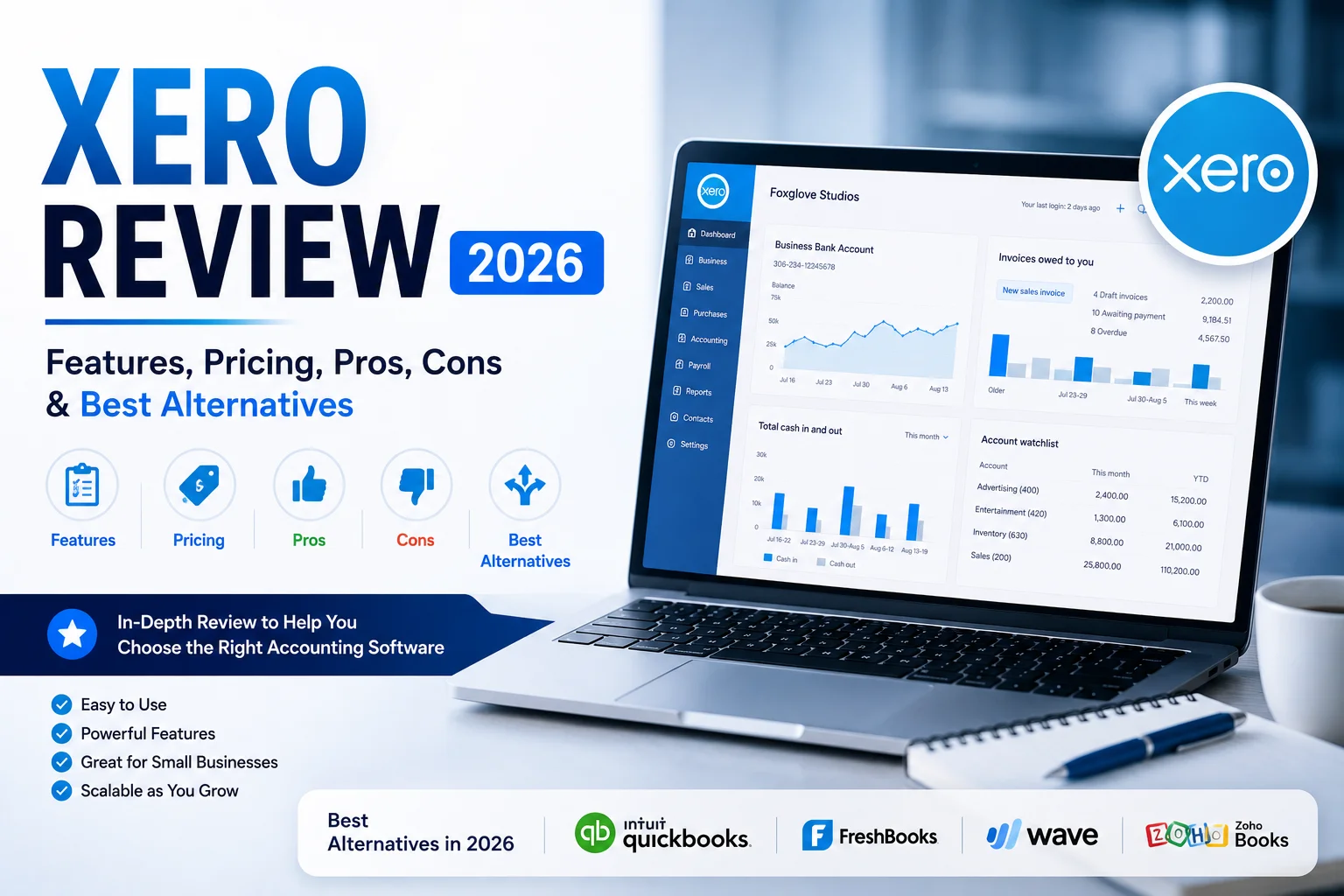
Xero Review 2026: Features, Pricing, Pros, Cons & Best Alternatives
Choosing the right accounting software can have a significant impact on how efficiently a business operates. From tracking income and expenses to managing invoices, reconciling bank transactions, and preparing for tax season, the right platform can save countless hours while providing valuable financial insights.
Among the many accounting solutions available today, Xero remains one of the most popular choices for small businesses, startups, freelancers, consultants, and growing companies worldwide.
But is Xero still worth using in 2026?
Has it kept pace with competitors like QuickBooks Online, FreshBooks, Zoho Books, and Wave Accounting?
In this detailed review, we’ll examine Xero’s features, pricing, advantages, limitations, and alternatives to help you decide whether it’s the right accounting software for your business.
What Is Xero?
Xero is a cloud-based accounting platform designed primarily for small and medium-sized businesses.
Founded in New Zealand, Xero has grown into one of the most widely used accounting solutions globally, serving millions of subscribers across multiple countries.
The platform allows businesses to manage:
- Bookkeeping
- Invoicing
- Expense tracking
- Bank reconciliation
- Financial reporting
- Payroll integrations
- Inventory management
- Project tracking
- Multi-currency accounting
Because Xero is cloud-based, users can access their financial data from anywhere with an internet connection.
This flexibility has become increasingly important as businesses adopt remote and hybrid work environments.
Quick Verdict
Overall Rating: 4.7/5
| Category | Rating |
|---|---|
| Ease of Use | 4.8/5 |
| Features | 4.8/5 |
| Reporting | 4.7/5 |
| Integrations | 4.9/5 |
| Automation | 4.8/5 |
| Value for Money | 4.6/5 |
| Customer Support | 4.4/5 |
Best For
- Small businesses
- Startups
- Freelancers
- Consultants
- Agencies
- E-commerce stores
- Growing companies
Not Ideal For
- Businesses seeking free accounting software
- Companies requiring complex enterprise-level ERP systems
Xero Features Review
One reason Xero remains highly regarded is its combination of simplicity and functionality.
Let’s explore its most important features.
1. Cloud Accounting
At its core, Xero is a cloud accounting platform.
This means:
- No software installation required
- Automatic updates
- Access from multiple devices
- Real-time collaboration
Business owners can manage finances from desktops, laptops, tablets, or mobile devices.
For companies with remote teams, this flexibility is invaluable.
2. Bank Reconciliation
Xero’s bank reconciliation tools are often considered among the best in the industry.
The platform automatically imports transactions through bank feeds and suggests matches based on existing records.
Benefits include:
- Reduced manual work
- Faster bookkeeping
- Improved accuracy
- Real-time cash visibility
Many users cite bank reconciliation as one of Xero’s strongest features.
3. Professional Invoicing
Xero includes robust invoicing capabilities.
Users can:
- Create custom invoices
- Send recurring invoices
- Accept online payments
- Track invoice status
- Send payment reminders
Professional invoicing helps businesses improve cash flow and reduce payment delays.
4. Expense Management
Managing expenses is straightforward within Xero.
Users can:
- Upload receipts
- Categorize expenses
- Match transactions
- Track spending
This feature simplifies bookkeeping while helping businesses maintain organized records.
5. Financial Reporting
Accurate reporting is essential for making informed business decisions.
Xero provides access to reports such as:
Profit and Loss Reports
Monitor profitability over time.
Balance Sheets
Track assets, liabilities, and equity.
Cash Flow Reports
Understand money movement within the business.
Budget Reports
Compare actual performance against targets.
These reports are generated automatically using real-time data.
6. Inventory Tracking
Businesses selling physical products can track inventory directly within Xero.
Features include:
- Product management
- Stock monitoring
- Cost tracking
- Sales analysis
While advanced inventory requirements may require third-party integrations, Xero handles basic inventory management effectively.
7. Project Tracking
Project-based businesses can monitor profitability through Xero’s project tracking tools.
Users can track:
- Time spent
- Expenses incurred
- Project revenue
- Profit margins
Consultants, agencies, and service providers often find this feature particularly valuable.
8. Automation Features
Automation is one of Xero’s biggest advantages.
Key automation tools include:
Bank Rules
Automatically categorize recurring transactions.
Recurring Invoices
Generate invoices automatically.
Automated Payment Reminders
Reduce overdue invoices.
Recurring Bills
Simplify accounts payable management.
These tools significantly reduce manual bookkeeping workload.
9. Mobile App
Xero’s mobile application allows users to:
- Create invoices
- Upload receipts
- View reports
- Monitor cash flow
This flexibility enables business owners to manage finances while on the move.
10. Extensive Integration Marketplace
One of Xero’s strongest selling points is its integration ecosystem.
Popular integrations include:
- Shopify
- WooCommerce
- Stripe
- PayPal
- Square
- HubSpot
- Wise
- Zapier
- Gusto
The ability to connect multiple business systems creates a highly efficient workflow.
Xero Pricing in 2026
Xero offers multiple pricing tiers designed for different business sizes and requirements.
Plans generally vary based on:
- Number of invoices
- Advanced features
- Expense management
- Project tracking
- Multi-currency functionality
While pricing may change periodically, Xero remains competitively positioned among premium accounting platforms.
Is Xero Cheap?
Not necessarily.
Is Xero Good Value?
For most businesses, yes.
The time savings generated through automation often outweigh the subscription cost.
Xero Pros
After extensive evaluation, several advantages stand out.
1. User-Friendly Interface
Easy for beginners while remaining powerful enough for experienced users.
2. Excellent Automation
Reduces repetitive bookkeeping tasks.
3. Unlimited Users
Many competing platforms charge extra for additional users.
4. Strong Reporting
Provides meaningful financial insights.
5. Large Integration Ecosystem
Connects with thousands of business applications.
6. Reliable Cloud Access
Work from anywhere.
7. Accountant Friendly
Widely supported by accounting professionals.
8. Strong Scalability
Suitable for startups and growing businesses alike.
Xero Cons
No accounting platform is perfect.
Potential drawbacks include:
1. No Permanent Free Plan
Unlike Wave Accounting, Xero requires a paid subscription.
2. Learning Curve for Beginners
Although user-friendly, accounting concepts still require some understanding.
3. Payroll Availability Varies
Payroll functionality differs depending on region.
4. Customer Support Can Be Slower Than Phone-Based Competitors
Support is primarily online rather than phone-focused.
These limitations are relatively minor for most small businesses but should still be considered.
Who Should Use Xero?
Xero works particularly well for:
Freelancers
Track invoices and expenses efficiently.
Startups
Build scalable financial systems.
Agencies
Manage clients, projects, and recurring billing.
E-Commerce Businesses
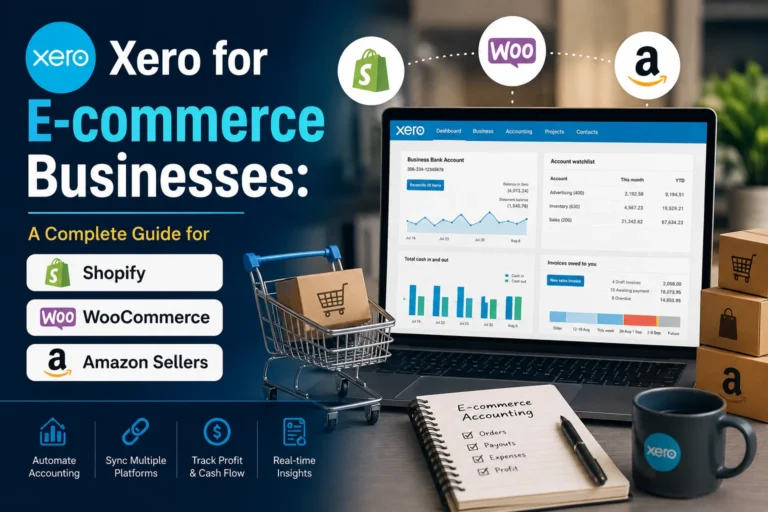
Connect with Shopify and WooCommerce.
Consultants
Simplify bookkeeping and reporting.
Growing Small Businesses
Handle increasing transaction volume with ease.
Best Alternatives to Xero
Although Xero is an excellent platform, it’s worth considering alternatives.
1. QuickBooks Online
Best For
Businesses seeking extensive accounting functionality and broad market adoption.
Strengths
- Comprehensive features
- Strong reporting
- Large accountant network
Weaknesses
- Higher costs for additional users
- More complex interface
2. FreshBooks
Best For
Freelancers and service-based businesses.
Strengths
- Simple invoicing
- Easy time tracking
- User-friendly design
Weaknesses
- Less robust accounting features
3. Zoho Books
Best For
Businesses already using the Zoho ecosystem.
Strengths
- Competitive pricing
- Strong automation
- Excellent integrations within Zoho
Weaknesses
- Smaller third-party ecosystem
4. Wave Accounting
Best For
Budget-conscious freelancers and very small businesses.
Strengths
- Free accounting software
- Simple setup
Weaknesses
- Limited advanced features
- Less scalability
Xero vs Competitors
| Feature | Xero | QuickBooks | FreshBooks | Zoho Books | Wave |
|---|---|---|---|---|---|
| Unlimited Users | Yes | Limited | Limited | Yes | Limited |
| Automation | Excellent | Excellent | Good | Excellent | Basic |
| Reporting | Strong | Strong | Moderate | Strong | Basic |
| Integrations | Excellent | Excellent | Good | Good | Limited |
| Scalability | High | High | Moderate | High | Low |
| Free Plan | No | No | No | Limited | Yes |
For most growing businesses, Xero strikes one of the best balances between simplicity and functionality.
Is Xero Worth It in 2026?
For the majority of small businesses, the answer is yes.
Xero delivers:
- Strong accounting capabilities
- Excellent automation
- Unlimited users
- Powerful reporting
- Extensive integrations
- Cloud accessibility
While it may not be the cheapest solution available, its ability to save time and improve financial visibility often makes it a worthwhile investment.
Businesses that prioritize growth, efficiency, and collaboration are likely to benefit significantly from adopting Xero.
Final Verdict
Xero continues to be one of the best accounting software solutions available in 2026.
Its combination of ease of use, automation, cloud accessibility, reporting capabilities, and integration flexibility makes it an excellent choice for startups, freelancers, agencies, e-commerce stores, and growing small businesses.
Although competitors such as QuickBooks Online, FreshBooks, Zoho Books, and Wave Accounting each serve specific audiences, Xero remains one of the most balanced and versatile accounting platforms on the market.
If you’re looking for accounting software that can simplify bookkeeping, improve financial visibility, and scale with your business over time, Xero deserves serious consideration.
For many small businesses, it’s not just an accounting tool—it’s an investment in operational efficiency and long-term growth.