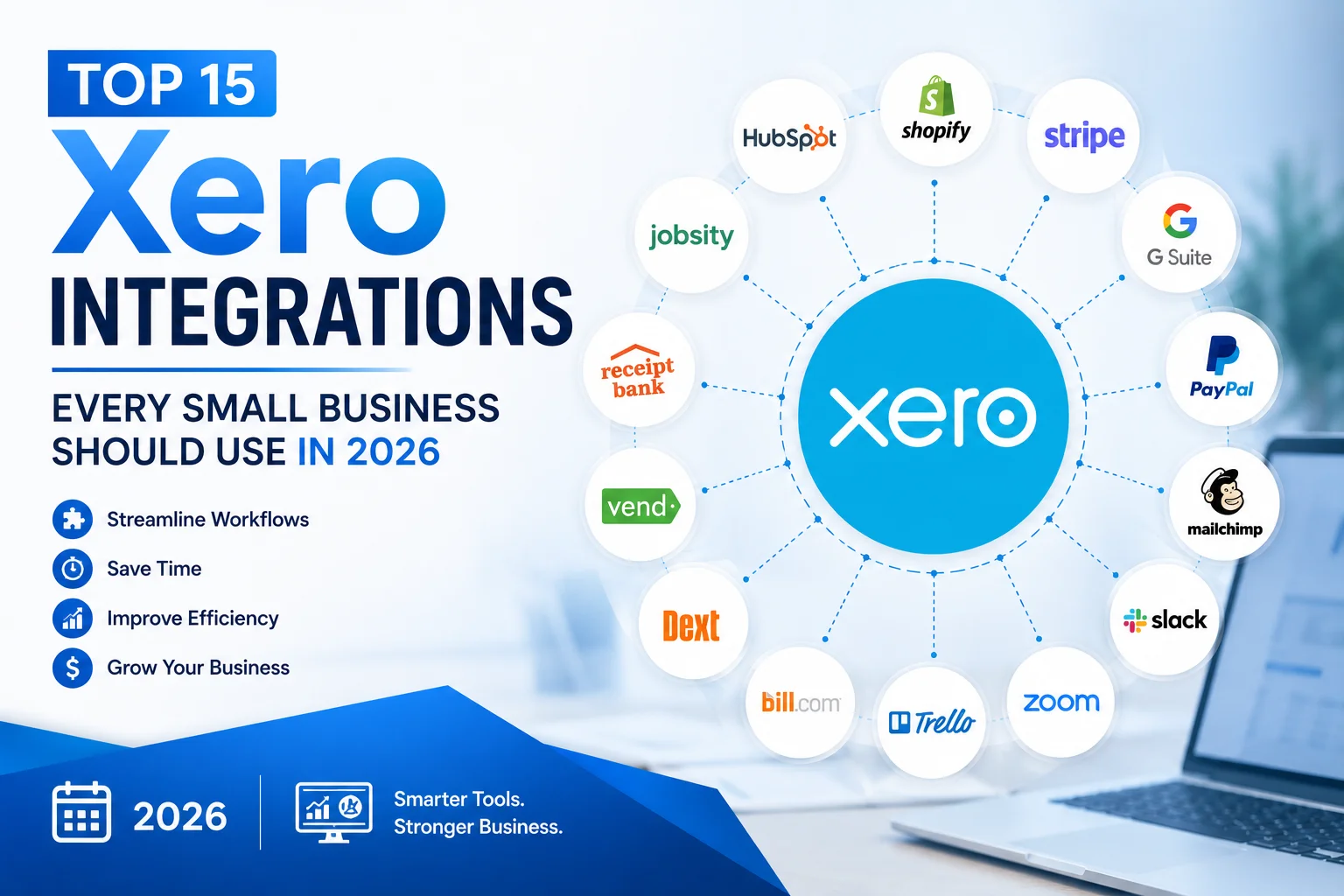
Top 15 Xero Integrations Every Small Business Should Use in 2026
Accounting software works best when it doesn’t operate in isolation.
Modern businesses rely on multiple tools to manage sales, payments, inventory, payroll, customer relationships, projects, and marketing. The real power of Xero comes from its ability to connect with these tools and create a streamlined workflow that reduces manual work, improves accuracy, and saves valuable time.
One reason Xero remains one of the most popular accounting platforms for small businesses is its extensive integration ecosystem. With thousands of applications available through the Xero App Store, businesses can connect nearly every aspect of their operations directly to their accounting system.
However, not every integration delivers the same value.
In this guide, we’ll explore the 15 best Xero integrations every small business should consider in 2026. Whether you’re running an e-commerce store, consulting firm, agency, service business, or startup, these integrations can help automate routine tasks and improve financial visibility.
Why Xero Integrations Matter
Before discussing individual tools, it’s important to understand why integrations are so valuable.
Without integrations, businesses often:
- Enter the same data multiple times
- Spend hours reconciling transactions
- Risk human errors
- Use disconnected systems
- Lose visibility into financial performance
Integrations solve these problems by automatically sharing data between platforms.
Benefits include:
- Faster bookkeeping
- Better reporting
- Improved accuracy
- Time savings
- Increased productivity
For many businesses, integrations provide even greater value than the accounting software itself.
1. Stripe
Best For: Online Payments
Stripe is one of the world’s most popular payment processors.
When integrated with Xero, Stripe automatically syncs payment data, making it easier to reconcile customer payments and monitor cash flow.
Key Benefits
- Automatic payment reconciliation
- Faster payment processing
- Reduced manual data entry
- Improved cash flow visibility
Businesses that accept online payments should strongly consider connecting Stripe with Xero.
2. PayPal
Best For: Global Online Transactions
PayPal remains one of the most widely used payment platforms for freelancers, consultants, and e-commerce businesses.
The Xero integration automatically imports transaction data and simplifies bookkeeping.
Key Benefits
- Automatic transaction imports
- Simplified reconciliation
- Multi-currency support
- Global payment acceptance
For businesses serving international customers, PayPal remains a valuable addition.
3. Shopify
Best For: E-Commerce Businesses
Shopify powers millions of online stores worldwide.
Connecting Shopify with Xero creates a seamless connection between sales and accounting data.
Key Benefits
- Automatic sales synchronization
- Inventory tracking
- Tax reporting
- Order management visibility
Instead of manually entering sales data, transactions flow directly into Xero.
4. WooCommerce
Best For: WordPress-Based Stores
WooCommerce remains one of the most popular e-commerce platforms for WordPress users.
The Xero integration helps automate accounting for online retailers.
Key Benefits
- Sales synchronization
- Inventory updates
- Customer payment tracking
- Reduced bookkeeping workload
Small businesses running WordPress stores can save significant administrative time.
5. HubSpot
Best For: Customer Relationship Management
HubSpot is one of the leading CRM platforms for growing businesses.
Integrating HubSpot with Xero creates stronger alignment between sales and finance teams.
Key Benefits
- Customer data synchronization
- Revenue tracking
- Improved reporting
- Better customer visibility
This integration is particularly useful for service businesses and agencies.
6. Square
Best For: Retail and Point-of-Sale Businesses
Square helps businesses process in-person payments.
The integration with Xero automatically transfers sales information into your accounting system.
Key Benefits
- Daily sales synchronization
- Easier reconciliation
- Accurate financial records
- Reduced manual bookkeeping
Retail stores and local businesses can greatly benefit from this connection.
7. Gusto
Best For: Payroll Management
Managing payroll manually is time-consuming and prone to errors.
Gusto simplifies payroll processing while syncing payroll information directly with Xero.
Key Benefits
- Automated payroll entries
- Tax management
- Employee record synchronization
- Reduced payroll errors
For businesses with employees, this integration saves substantial administrative effort.
8. Zapier
Best For: Workflow Automation
Zapier acts as a bridge between thousands of software applications.
It allows businesses to automate processes without coding.
Key Benefits
- Connect Xero to thousands of apps
- Automate repetitive tasks
- Reduce manual work
- Improve productivity
Businesses seeking advanced automation often find Zapier indispensable.
9. Deputy
Best For: Employee Scheduling
Deputy helps businesses manage employee schedules, shifts, and attendance.
The Xero integration streamlines workforce management.
Key Benefits
- Time tracking
- Payroll synchronization
- Attendance monitoring
- Labor cost visibility
This integration is particularly valuable for hospitality, retail, and service industries.
10. Dext
Best For: Receipt and Expense Management
Dext helps businesses capture receipts and automate expense data entry.
Rather than manually entering expenses, users simply upload receipts.
Key Benefits
- Receipt scanning
- Automated data extraction
- Faster expense tracking
- Improved record keeping
Businesses handling frequent expenses often find Dext invaluable.
11. Expensify
Best For: Employee Expense Reporting
Expensify simplifies expense reimbursement and approval workflows.
Its integration with Xero helps maintain accurate records while reducing paperwork.
Key Benefits
- Expense tracking
- Automated approvals
- Receipt management
- Faster reimbursements
Growing teams benefit significantly from this integration.
12. GoCardless
Best For: Recurring Payments
GoCardless specializes in bank-to-bank payment collection.
It is particularly useful for subscription businesses and service providers.
Key Benefits
- Automated payment collection
- Reduced late payments
- Subscription billing support
- Improved cash flow
Businesses with recurring revenue models often experience fewer payment delays.
13. WorkflowMax
Best For: Project-Based Businesses
WorkflowMax is designed for businesses that manage multiple projects and clients.
The Xero integration provides detailed financial visibility into project performance.
Key Benefits
- Job costing
- Project profitability tracking
- Time tracking
- Resource management
Consulting firms and agencies frequently use this combination.
14. Capsule CRM
Best For: Small Business CRM
Capsule CRM helps businesses manage customer relationships and sales opportunities.
When integrated with Xero, customer and financial data stay synchronized.
Key Benefits
- Customer management
- Sales tracking
- Invoice visibility
- Improved communication
It’s an excellent option for businesses seeking a lightweight CRM solution.
15. Wise Business
Best For: International Payments
Businesses working with overseas clients often face high currency conversion fees.
Wise Business helps reduce these costs while integrating with Xero.
Key Benefits
- Multi-currency payments
- Lower international transfer fees
- Faster payment processing
- Simplified reconciliation
For global businesses, this integration can produce meaningful savings.
Which Xero Integrations Should You Prioritize?
Not every business needs all fifteen integrations.
Here are some recommendations based on business type.
Freelancers and Consultants
- Stripe
- PayPal
- Dext
- Wise
- GoCardless
E-Commerce Businesses
- Shopify
- WooCommerce
- Stripe
- PayPal
- Dext
Agencies
- HubSpot
- WorkflowMax
- Stripe
- Expensify
- Zapier
Retail Businesses
- Square
- Deputy
- Gusto
- Dext
Startups
- HubSpot
- Zapier
- Stripe
- Gusto
- Wise
The best integration strategy depends on your operational needs and growth goals.
How to Choose the Right Xero Integrations
Before installing any integration, ask yourself:
Will It Save Time?
Automation should reduce repetitive tasks.
Will It Improve Accuracy?
Good integrations reduce manual data entry and human errors.
Does It Scale?
Choose tools that can grow alongside your business.
Is It Cost Effective?
Consider whether the time savings justify the subscription cost.
The most successful businesses focus on integrations that directly improve efficiency and financial visibility.
Final Thoughts
One of Xero’s greatest strengths is its ability to connect with the software businesses already use every day. These integrations transform Xero from a simple accounting platform into a central financial hub that supports payments, payroll, inventory, customer management, reporting, and workflow automation.
For small businesses in 2026, the right integrations can save dozens of hours each month while improving accuracy and providing better insights into financial performance.
Whether you’re running a startup, e-commerce store, consulting agency, or local business, integrating Xero with the right tools can help streamline operations and create a more scalable business foundation.
If you’re considering Xero for your business, remember that you’re not just investing in accounting software. You’re gaining access to one of the largest and most powerful business software ecosystems available today.