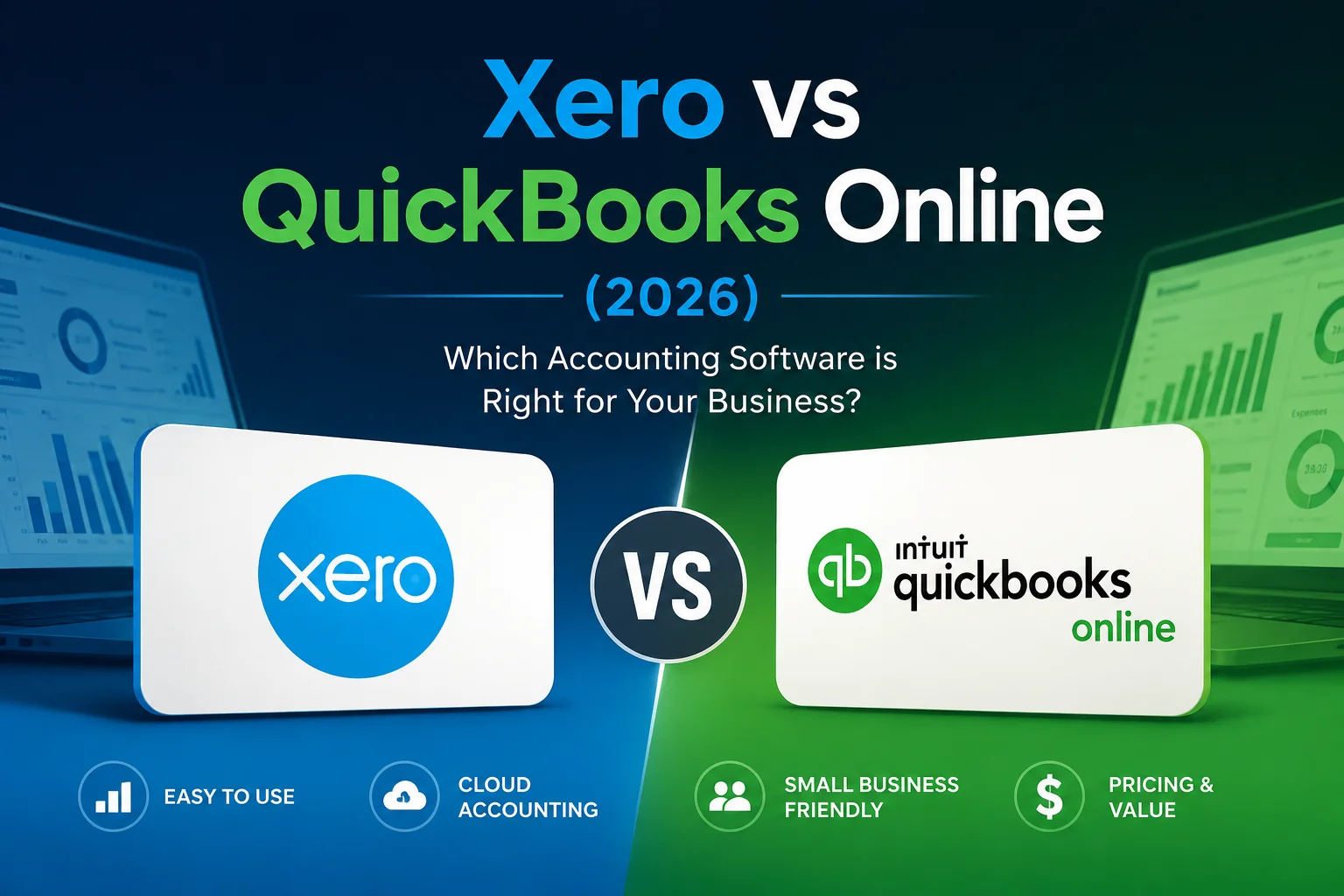
Xero vs QuickBooks Online (2026): Which Accounting Software Is Better for Small Businesses?
Choosing accounting software is one of the most important decisions a small business owner can make. The right platform can save hours of bookkeeping work, improve cash flow visibility, simplify tax preparation, and help you make better financial decisions.
Two names dominate the small business accounting market in 2026: Xero and QuickBooks Online.
Both platforms offer cloud-based accounting, invoicing, expense tracking, reporting, and bank reconciliation. However, they differ significantly in pricing, user access, scalability, ease of use, and overall value.
If you’re trying to decide between Xero and QuickBooks Online, this detailed comparison will help you determine which platform is the better fit for your business.
Quick Overview
Before diving deeper, here’s a simple summary:
Choose Xero if:
- You need unlimited users.
- You work with a team or accountant.
- You want predictable pricing.
- You run an international business.
- You prefer a clean and modern interface.
Choose QuickBooks Online if:
- You want advanced reporting.
- You need stronger inventory management.
- Your accountant already works with QuickBooks.
- You require more built-in features without relying on integrations.
For many small businesses, Xero offers better overall value, while QuickBooks often provides more advanced functionality for businesses with complex accounting needs.
What Is Xero?
Xero is a cloud-based accounting platform designed for small and medium-sized businesses. Founded in New Zealand, it has grown into one of the most popular accounting solutions worldwide.
Xero focuses on simplicity, collaboration, and automation. It allows business owners, accountants, and team members to work together in real time without worrying about user restrictions.
Key features include:
- Unlimited users on all plans
- Online invoicing
- Expense tracking
- Bank reconciliation
- Inventory management
- Financial reporting
- Multi-currency support
- Payroll integrations
- Mobile accounting apps
One of Xero’s biggest strengths is its ability to provide advanced accounting tools while remaining easy to use for non-accountants.
What Is QuickBooks Online?
QuickBooks Online is Intuit’s cloud accounting solution and remains one of the most widely used accounting platforms in North America.
QuickBooks has built a strong reputation among accountants and bookkeepers over the past several decades. The online version offers powerful accounting capabilities along with extensive reporting and business management features.
Core features include:
- Invoicing
- Expense management
- Cash flow tracking
- Inventory management
- Project tracking
- Budgeting tools
- Payroll options
- Advanced reporting
- Tax preparation support
QuickBooks Online is often considered the industry standard, particularly in the United States.
Pricing Comparison
Pricing is often the first factor small business owners consider when comparing accounting software.
While prices may vary by region and promotional discounts, Xero generally offers a lower entry cost and includes unlimited users across all plans. QuickBooks Online uses a tiered user model where access increases as you move to higher-priced plans.
Xero Pricing (2026)
- Early Plan
- Growing Plan
- Established Plan
All plans include unlimited users, which can significantly reduce costs for businesses with multiple team members.
QuickBooks Online Pricing (2026)
- Simple Start – 1 user
- Essentials – Up to 3 users
- Plus – Up to 5 users
- Advanced – Up to 25 users
Pricing ranges from approximately $38 per month for Simple Start to $275 per month for Advanced plans.
Winner: Xero
If cost-effectiveness and team collaboration are priorities, Xero offers better value because unlimited users are included without requiring plan upgrades.
Ease of Use
Accounting software should simplify your financial management, not create additional work.
QuickBooks Online offers a polished user experience and guided setup process. New users often find it intuitive, especially those with limited accounting knowledge.
However, many users appreciate Xero’s cleaner interface and streamlined navigation. Tasks such as bank reconciliation, invoice creation, and financial reporting are straightforward and easy to learn.
For business owners who handle accounting themselves, Xero often feels less overwhelming.
Winner: Xero
While both platforms are user-friendly, Xero’s modern design and simplified workflow make it slightly easier for beginners.
Invoicing and Payments
Both Xero and QuickBooks Online provide professional invoicing tools.
You can:
- Create custom invoices
- Send recurring invoices
- Accept online payments
- Track payment status
- Automate reminders
Xero excels in simplicity, while QuickBooks offers more customization options.
For most small businesses, both platforms will comfortably meet invoicing requirements.
Winner: Tie
The differences are relatively minor for typical small business needs.
Bank Reconciliation
Bank reconciliation is one of the most time-consuming bookkeeping tasks.
Xero has earned a strong reputation for its reconciliation system. The platform automatically imports transactions and makes matching bank activity fast and efficient.
QuickBooks also offers automated bank feeds and transaction matching, though some users find the workflow slightly more complex.
Winner: Xero
Xero’s reconciliation process remains one of its strongest advantages.
Reporting and Financial Insights
Business owners rely on reports to understand profitability, cash flow, expenses, and growth trends.
QuickBooks Online generally offers more advanced reporting options, particularly on higher-tier plans.
Features include:
- Custom reports
- Profitability analysis
- Budget comparisons
- Industry-specific reporting
- Advanced analytics
Xero provides excellent standard reports but offers fewer advanced customization options.
Winner: QuickBooks Online
Businesses requiring deeper financial analysis may benefit from QuickBooks’ reporting capabilities.
Inventory Management
Inventory management is often a deciding factor for product-based businesses.
QuickBooks Online provides stronger built-in inventory tracking, especially in its Plus and Advanced plans. Features include stock tracking, reorder points, and profitability insights.
Xero includes inventory tracking but many businesses eventually rely on third-party integrations for advanced inventory management.
Winner: QuickBooks Online
For retailers, wholesalers, and e-commerce businesses, QuickBooks generally offers more powerful native inventory features.
Integrations and Ecosystem
Modern businesses rely on multiple software tools.
Both platforms integrate with hundreds of applications, including:
- Shopify
- Stripe
- PayPal
- HubSpot
- Gusto
- Zapier
QuickBooks and Xero both maintain large app marketplaces.
However, Xero is particularly strong when it comes to integrating with international business tools and cloud-based workflows.
Winner: Tie
Most businesses will find all the integrations they need on either platform.
Multi-User Collaboration
This category highlights one of the biggest differences between the two platforms.
Xero allows unlimited users on every plan. Multiple employees, managers, accountants, and advisors can access the system without additional user restrictions.
QuickBooks Online limits users based on subscription level, requiring upgrades as teams grow.
Winner: Xero
For growing businesses, this can result in significant long-term savings.
Mobile Apps
Both providers offer mobile applications for iOS and Android devices.
You can:
- Send invoices
- Track expenses
- Upload receipts
- Review financial data
- Monitor cash flow
Both apps are highly rated and frequently updated.
Winner: Tie
Most users will be satisfied with either mobile experience.
Customer Support
Support quality can vary depending on your location and subscription plan.
QuickBooks offers broader support options, including phone support on higher-tier plans.
Xero primarily focuses on online support resources and ticket-based assistance.
If direct phone support is important to your business, QuickBooks may have an advantage.
Winner: QuickBooks Online
Which Software Do Accountants Prefer?
In the United States, many accountants have extensive experience with QuickBooks because it has been an industry standard for years.
However, Xero adoption continues to grow rapidly among modern accounting firms.
The best approach is to ask your accountant which platform they prefer and currently support.
Final Verdict: Xero or QuickBooks Online?
Both platforms are excellent accounting solutions, but the best choice depends on your business needs.
Choose Xero If:
- You want the best value for money.
- You need unlimited users.
- You prefer a simple interface.
- You work with remote teams.
- You operate internationally.
Choose QuickBooks Online If:
- You require advanced reporting.
- You manage complex inventory.
- Your accountant prefers QuickBooks.
- You need deeper built-in business management tools.
For most small businesses in 2026, Xero provides the better balance of affordability, collaboration, and ease of use. Its unlimited-user model alone makes it an attractive option for growing companies.
If you’re looking for accounting software that is easy to learn, scalable, and cost-effective, Xero is our recommended choice for small business owners.
Ready to try Xero? Start with a free trial and explore its features before making a long-term commitment. Many businesses find that the combination of simplicity, automation, and unlimited user access delivers excellent value compared to competing platforms.