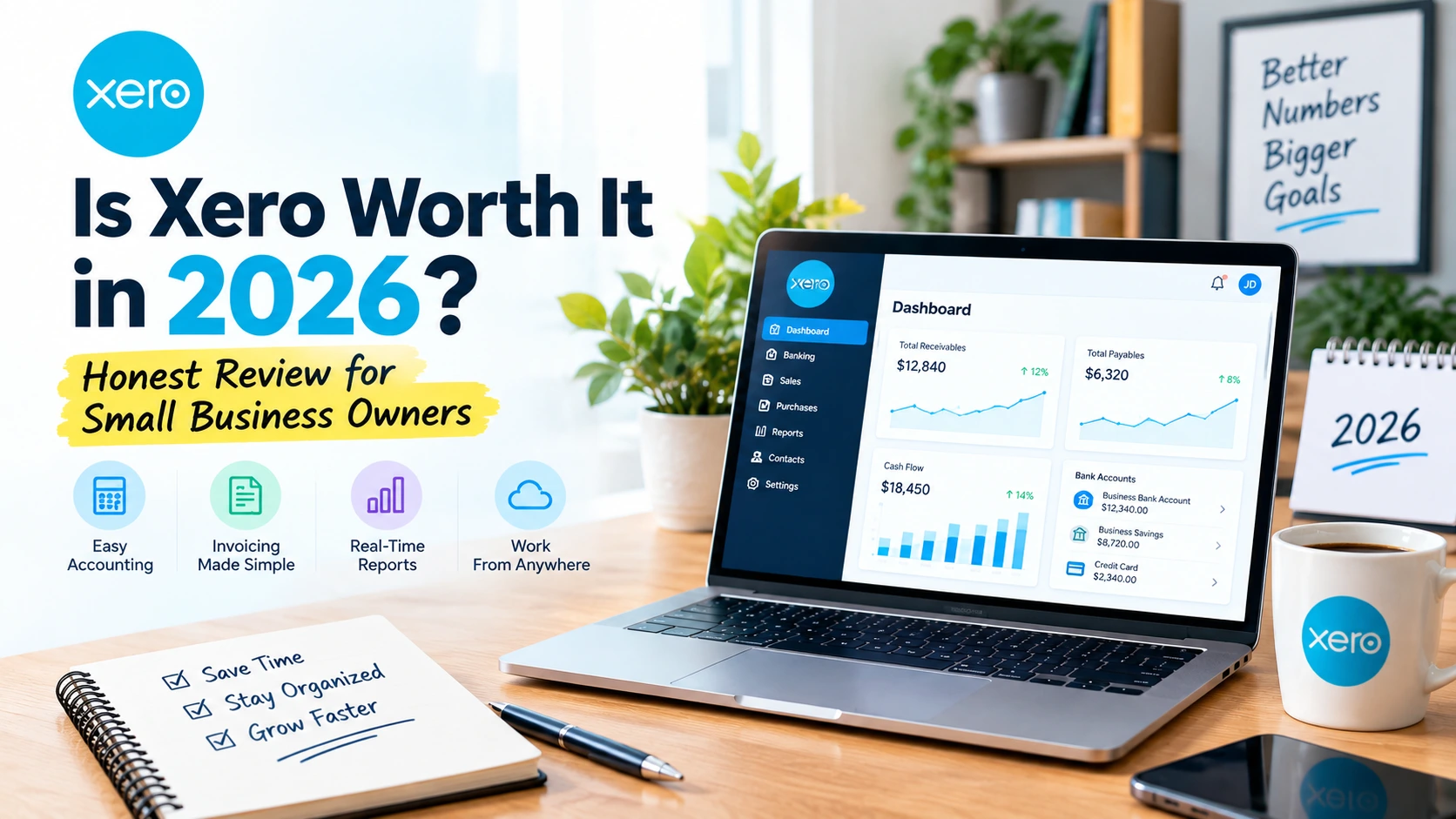
Is Xero Worth It in 2026? Honest Review for Small Business Owners
Choosing accounting software is one of the most important decisions a business owner can make. The right platform can simplify bookkeeping, improve cash flow, automate repetitive tasks, and provide valuable financial insights that support business growth. On the other hand, choosing software that doesn’t match your business needs can lead to unnecessary costs, inefficient workflows, and hours of extra administrative work.
Among the many accounting solutions available today, Xero continues to be one of the most popular options for small businesses, freelancers, startups, consultants, agencies, and online sellers. Its cloud-based approach, automation features, and extensive integration marketplace have helped millions of businesses modernize their accounting processes.
But with so many alternatives available—including QuickBooks Online, Zoho Books, FreshBooks, Sage, and Wave Accounting—you may be wondering:
Is Xero still worth paying for in 2026?
The short answer is yes—for many small businesses, it offers excellent value. However, whether it’s the right solution depends on your business model, accounting needs, and future growth plans.
In this guide, we’ll take an honest look at Xero’s features, strengths, limitations, pricing value, and who should (and shouldn’t) use it in 2026.
What Is Xero?
Xero is a cloud-based accounting platform designed primarily for small and medium-sized businesses. Instead of installing software on a single computer, Xero stores your accounting data securely online, allowing you to access your financial information from virtually anywhere.
The platform combines essential accounting tools into one dashboard, including:
- Bookkeeping
- Invoicing
- Expense tracking
- Bank reconciliation
- Financial reporting
- Inventory management
- Project tracking (on eligible plans)
- Multi-currency support (on eligible plans)
- Integrations with hundreds of business applications
Because everything is cloud-based, business owners, accountants, and team members can collaborate using the same real-time financial data.
Why So Many Small Businesses Choose Xero
Small business owners often have limited time and resources. They need accounting software that is reliable, easy to use, and capable of growing alongside the business.
Xero addresses these needs by reducing manual work while providing clear visibility into business finances.
Some of the reasons businesses choose Xero include:
- Simple user interface
- Strong automation features
- Cloud accessibility
- Unlimited users on many plans
- Extensive app integrations
- Professional invoicing
- Accurate financial reporting
- Secure collaboration with accountants
Rather than spending hours managing spreadsheets, businesses can focus more on serving customers and increasing revenue.
Ease of Use
One of Xero’s strongest selling points is its clean and intuitive interface.
Unlike some accounting platforms that can feel overwhelming for beginners, Xero organizes financial information in a way that’s easy to understand.
The dashboard provides quick access to:
- Bank balances
- Outstanding invoices
- Bills awaiting payment
- Cash flow
- Recent transactions
- Financial performance
Navigation is straightforward, allowing users to move between invoicing, expenses, reports, and bank reconciliation without a steep learning curve.
Even business owners with limited accounting experience can become comfortable using the software after a relatively short period.
Cloud-Based Accounting
Modern businesses are no longer tied to one office or desktop computer.
Many owners work remotely, travel frequently, or collaborate with employees across different locations.
Because Xero operates entirely in the cloud, financial information is always available through an internet connection.
This flexibility allows you to:
- Review invoices while traveling
- Check cash flow from home
- Work with your accountant remotely
- Approve expenses from anywhere
- Monitor business performance in real time
For businesses adopting flexible work arrangements, cloud accounting has become an essential advantage.
Automation That Saves Time
Perhaps the biggest reason businesses switch to Xero is automation.
Manual bookkeeping often involves repetitive tasks such as entering bank transactions, creating recurring invoices, reconciling accounts, and recording supplier bills.
Xero automates many of these activities.
Some of its most valuable automation features include:
- Automatic bank feeds
- Bank rules for recurring transactions
- Recurring invoices
- Automated payment reminders
- Suggested bank reconciliations
- Scheduled financial reports
For many small businesses, these features save several hours every week while reducing the likelihood of bookkeeping errors.
Professional Invoicing
Getting paid on time is critical for every business.
Xero allows users to create professional invoices using customizable templates that include company branding, payment terms, taxes, and service descriptions.
Businesses can also:
- Schedule recurring invoices
- Monitor invoice status
- Record payments
- Send payment reminders
- Accept online payments through supported payment providers
These tools help improve cash flow while providing a better experience for customers.
Expense Tracking
Keeping business expenses organized is essential for understanding profitability and preparing tax records.
Xero allows users to record and categorize expenses while attaching digital copies of receipts and supporting documents.
Typical business expenses include:
- Office rent
- Software subscriptions
- Marketing costs
- Utilities
- Travel expenses
- Equipment purchases
- Professional services
- Staff-related expenses
Having all expenses organized within one platform makes reporting and financial analysis much easier.
Bank Reconciliation
Reconciling bank transactions manually can consume hours every month.
Xero simplifies this process by importing transactions from supported bank accounts and suggesting matches based on invoices, bills, and recorded expenses.
Instead of comparing every transaction manually, users can review and approve suggested matches.
Benefits include:
- Faster bookkeeping
- Improved accuracy
- Better financial visibility
- Reduced administrative workload
For businesses with frequent transactions, bank reconciliation alone can justify the investment in accounting software.
Financial Reporting
Understanding financial performance is impossible without accurate reporting.
Xero includes a wide range of financial reports that help business owners monitor profitability and make informed decisions.
Common reports include:
- Profit and Loss Statement
- Balance Sheet
- Cash Flow Report
- Accounts Receivable
- Expense Reports
- Budget Reports
These reports help answer questions such as:
- Is my business profitable?
- Where am I spending the most money?
- Are customers paying on time?
- Can I afford to hire another employee?
- Is cash flow improving?
Access to reliable financial data supports smarter business planning.
Integrations That Increase Productivity
Most businesses rely on multiple software tools for payments, sales, customer management, payroll, and communication.
Xero integrates with hundreds of business applications, reducing duplicate data entry and improving workflow efficiency.
Popular integrations include:
- Shopify
- WooCommerce
- Stripe
- PayPal
- Wise
- HubSpot
- Zapier
- Gusto (where available)
These integrations help businesses automate financial processes while keeping information synchronized across multiple systems.
Scalability for Growing Businesses
One concern many business owners have is whether their accounting software will still meet their needs as the company grows.
Xero is designed to scale with your business.
Whether you’re:
- A freelancer
- A startup
- A marketing agency
- An e-commerce store
- A consulting business
- A growing small company
Xero offers features that support increasing transaction volumes and more complex financial management.
Rather than switching accounting systems every few years, many businesses continue using Xero as they expand.
What Are Xero’s Biggest Advantages?
After exploring its core features, it’s easy to understand why Xero remains one of the most recommended accounting platforms for small businesses. While no accounting software is perfect, Xero offers several practical benefits that can make day-to-day financial management much easier.
1. Saves Time Through Automation
One of Xero’s greatest strengths is reducing repetitive bookkeeping tasks.
Instead of manually entering bank transactions or creating the same invoices every month, businesses can automate many routine processes.
This means less administrative work and more time to focus on customers, products, and business growth.
2. Easy for Non-Accountants
Many business owners aren’t accounting professionals.
Xero’s clean dashboard and straightforward navigation make it easier to understand financial information without needing advanced bookkeeping knowledge.
While there is still a learning curve for complete beginners, most users become comfortable with the platform relatively quickly.
3. Excellent Collaboration
Because Xero is cloud-based, accountants, bookkeepers, and business owners can work from the same financial records at the same time.
There’s no need to email spreadsheets back and forth or worry about multiple versions of the same file.
This collaboration often saves time during tax season and makes it easier to receive professional accounting support throughout the year.
4. Strong Reporting
Good decisions depend on good information.
Xero provides detailed reports that help business owners understand:
- Revenue trends
- Monthly expenses
- Outstanding invoices
- Cash flow
- Business profitability
- Financial position
These reports help owners make informed decisions rather than relying on assumptions.
5. Large Integration Ecosystem
Many businesses already use tools for e-commerce, payments, payroll, CRM, inventory, and project management.
Xero integrates with hundreds of business applications, allowing companies to build workflows that suit their needs without replacing every existing system.
Potential Drawbacks to Consider
Although Xero is an excellent accounting solution for many businesses, it may not be the perfect fit for everyone.
Understanding its limitations is just as important as understanding its strengths.
Advanced Features May Require Higher Plans
Some features, such as multi-currency support or more advanced capabilities, are only available on certain subscription plans.
Businesses should review the available plans carefully before deciding which one best matches their requirements.
Inventory Management Has Limits
Xero includes inventory tracking for many small businesses, but companies with complex warehousing, manufacturing, or large-scale inventory operations may need dedicated inventory management software that integrates with Xero.
Learning Basic Accounting Concepts
Although Xero is user-friendly, it doesn’t replace an understanding of basic accounting principles.
Business owners should still learn concepts such as income, expenses, assets, liabilities, and cash flow to make the most of the platform.
Who Should Choose Xero?
Xero works particularly well for businesses that want cloud-based accounting with automation and room to grow.
It is a strong option for:
- Small businesses
- Startups
- Freelancers
- Consultants
- Marketing agencies
- Creative agencies
- E-commerce businesses
- Professional service firms
- Businesses working with external accountants
If your daily work involves invoicing clients, tracking expenses, reconciling bank accounts, and reviewing financial reports, Xero offers an excellent combination of simplicity and functionality.
Who May Want to Consider Other Options?
Every business has unique requirements.
Depending on your situation, another accounting solution may be worth considering if you:
- Need highly specialized enterprise accounting features
- Operate complex manufacturing systems
- Require advanced warehouse management
- Have industry-specific compliance requirements not addressed by your accounting workflow
- Prefer software already deeply integrated into your existing technology stack
The best accounting software is the one that aligns with your business processes, budget, and long-term goals.
Is Xero Worth the Price?
When evaluating accounting software, the monthly subscription fee is only one part of the overall cost.
The more important question is:
How much time and money can the software save your business?
If Xero helps you:
- Reduce bookkeeping time
- Improve invoice collection
- Prevent accounting mistakes
- Maintain organized financial records
- Prepare reports more efficiently
- Work seamlessly with your accountant
then the subscription cost may be outweighed by the operational benefits.
For many growing businesses, the time saved through automation alone provides meaningful value.
Xero vs Other Popular Accounting Software
Business owners often compare Xero with several well-known alternatives.
Here’s a general overview:
Xero vs QuickBooks Online
QuickBooks Online is feature-rich and widely used, while Xero is often praised for its intuitive interface, unlimited users on many plans, and strong collaboration features. The better choice depends on your business size, preferred workflow, and reporting needs.
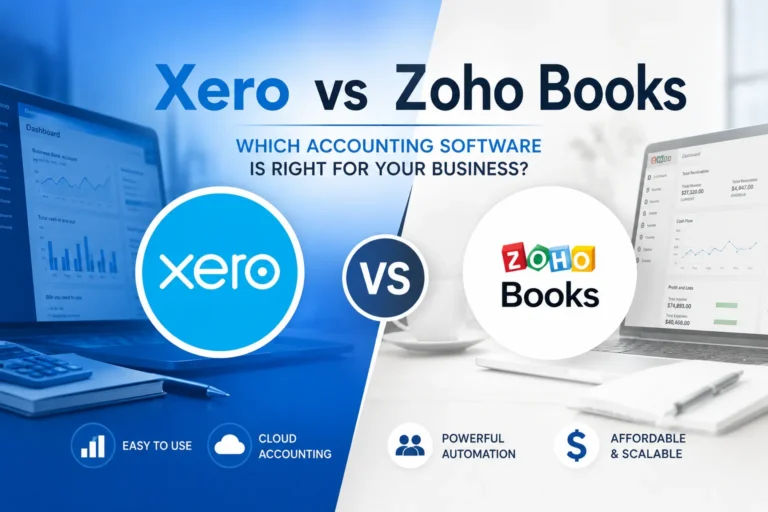
Xero vs Zoho Books
Zoho Books is a strong option, especially for businesses already using the Zoho ecosystem. Xero stands out for its broad integration marketplace, accountant-friendly workflow, and global user base.
Xero vs FreshBooks
FreshBooks is popular with freelancers and service-based businesses because of its simple invoicing and time-tracking capabilities. Xero generally provides more comprehensive accounting features as businesses grow.
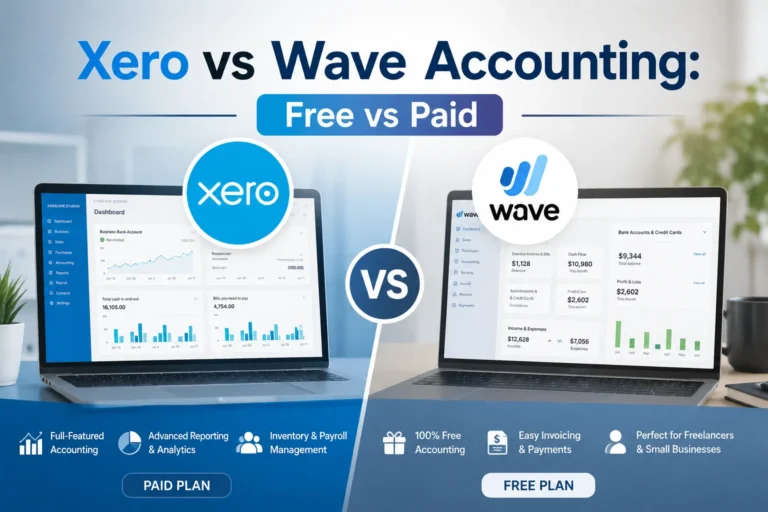
Xero vs Wave
Wave offers a free accounting option with essential features, making it attractive for very small businesses. However, companies needing more advanced automation, reporting, integrations, and scalability often choose Xero.
Frequently Asked Questions
Is Xero good for beginners?
Yes. Xero is designed with usability in mind, making it suitable for business owners who have limited accounting experience. Learning the basics of bookkeeping will still help you get the most from the platform.
Is Xero only for accountants?
No. While accountants frequently recommend and use Xero, it is built primarily for business owners who want to manage their finances efficiently.
Can Xero grow with my business?
Yes. Xero supports businesses from the startup stage through growth by offering features such as automation, financial reporting, integrations, and collaboration tools.
Does Xero work for service businesses and online stores?
Yes. Xero is widely used by consultants, agencies, freelancers, retailers, and e-commerce businesses, particularly when paired with appropriate integrations.
Is Xero secure?
Xero is a cloud-based platform that includes security measures such as encryption, regular backups, and optional multi-factor authentication. Users should also follow good security practices, including strong passwords and enabling available account protection features.
Final Verdict: Is Xero Worth It in 2026?
For many small businesses, the answer is yes.
Xero combines modern cloud accounting with automation, professional invoicing, bank reconciliation, financial reporting, and a broad integration ecosystem. It helps reduce repetitive administrative work while giving business owners a clearer understanding of their financial performance.
Its strengths are especially noticeable for businesses that want to simplify bookkeeping, improve cash flow visibility, and collaborate more effectively with accountants.
That said, no accounting platform is ideal for every business. Companies with highly specialized operational needs or complex inventory requirements may benefit from pairing Xero with industry-specific software or evaluating alternatives that better match those workflows.
If your goal is to adopt a reliable accounting system that is easy to use, scalable, and capable of supporting long-term business growth, Xero remains one of the strongest options available in 2026.
Ready to See if Xero Fits Your Business?
The best way to evaluate accounting software is to compare its features with your daily business needs.
If you’re looking for a platform that can automate bookkeeping, simplify invoicing, provide accurate financial reports, and support your business as it grows, Xero is well worth exploring.
Take time to review the available plans, identify the features most important to your business, and choose the option that best supports your current operations and future goals.