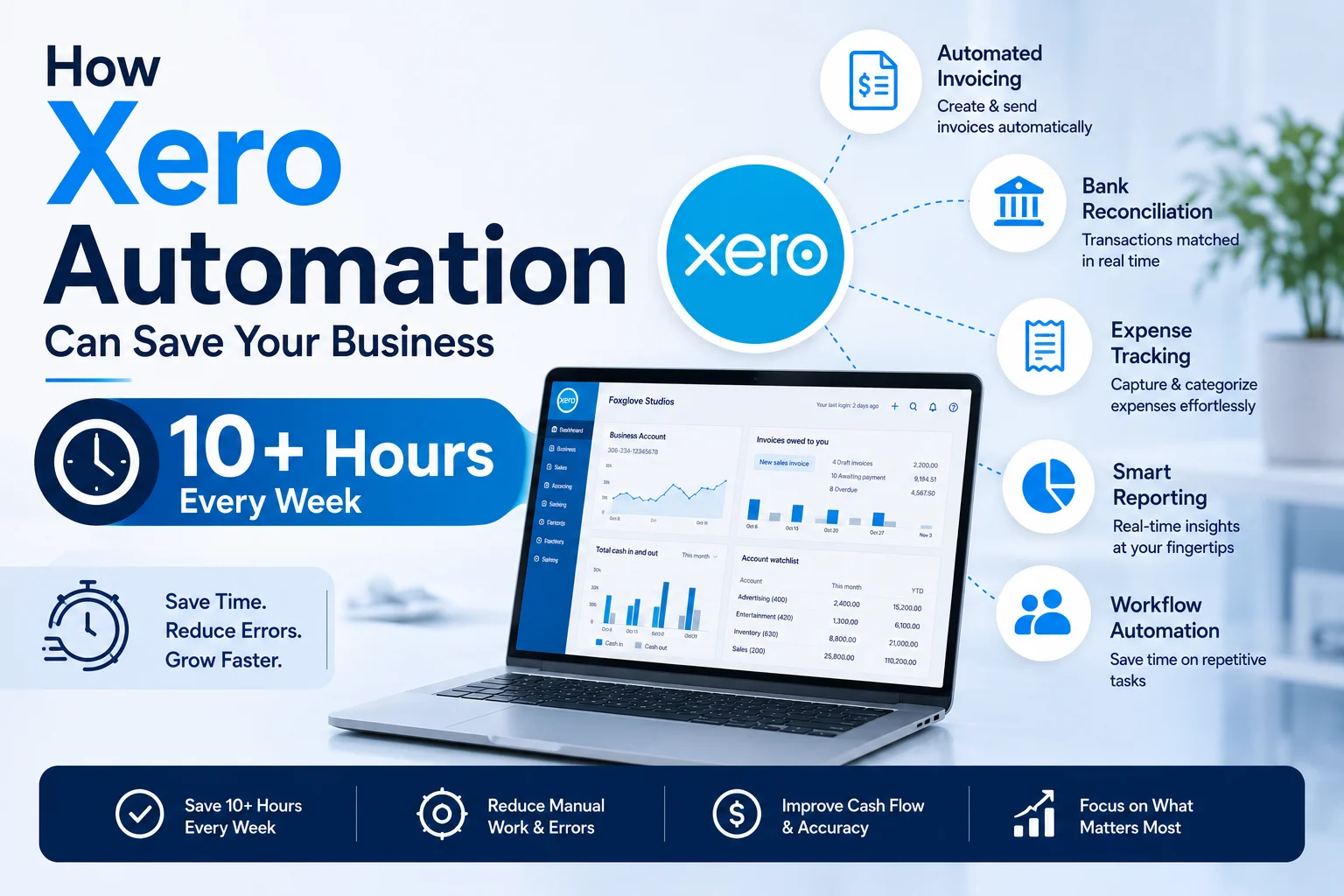
How Xero Automation Can Save Your Business 10+ Hours Every Week
Time is one of the most valuable resources for any business owner. Whether you’re running a startup, managing a growing small business, operating an e-commerce store, or working as a freelancer, every hour spent on repetitive administrative tasks is an hour not spent serving customers, increasing sales, or growing your business.
Unfortunately, bookkeeping and financial administration often consume far more time than business owners expect.
Manually entering transactions, sending invoices, following up on payments, reconciling bank accounts, processing expenses, and organizing financial records can easily take 10 to 20 hours every week.
This is where Xero automation makes a significant difference.
Xero is much more than a cloud accounting platform. It is a business automation tool designed to eliminate repetitive accounting tasks and streamline financial management. By using Xero’s built-in automation features correctly, many small businesses can save more than 10 hours per week while improving accuracy and gaining better visibility into their finances.
In this guide, we’ll explore how Xero automation works, which features save the most time, and how businesses can use automation to improve efficiency in 2026.
Why Business Owners Spend Too Much Time on Bookkeeping
Before discussing automation, it’s important to understand where most bookkeeping time is lost.
Common time-consuming tasks include:
- Entering transactions manually
- Categorizing expenses
- Reconciling bank accounts
- Creating invoices
- Following up on unpaid invoices
- Managing receipts
- Preparing reports
- Recording recurring bills
- Tracking cash flow
Many business owners handle these tasks themselves, especially during the early stages of growth.
As transaction volume increases, bookkeeping can quickly become a major administrative burden.
The good news is that many of these tasks can be automated.
The True Cost of Manual Accounting
Most entrepreneurs focus on software costs when evaluating accounting solutions.
However, the hidden cost is often time.
Let’s consider a simple example:
| Task | Weekly Time |
|---|---|
| Transaction Entry | 2 Hours |
| Bank Reconciliation | 3 Hours |
| Invoice Creation | 2 Hours |
| Payment Follow-Ups | 1.5 Hours |
| Expense Tracking | 1.5 Hours |
| Reporting | 1 Hour |
| Total | 11 Hours |
Even a modest small business can spend over 10 hours each week managing accounting-related tasks.
Over a year, that’s more than 550 hours.
Automation dramatically reduces this workload.
What Is Xero Automation?
Xero automation refers to the platform’s ability to perform routine accounting processes automatically with minimal human intervention.
Instead of manually handling repetitive tasks, Xero can:
- Import transactions
- Categorize expenses
- Generate invoices
- Send payment reminders
- Match transactions
- Create reports
- Sync financial data
The result is faster bookkeeping with fewer errors.
1. Automatic Bank Feeds
Estimated Weekly Time Saved: 2–3 Hours
One of the biggest time-saving features in Xero is automatic bank feeds.
Instead of manually entering transactions, Xero connects directly to your business bank account and imports transaction data automatically.
Every payment, withdrawal, transfer, and deposit appears within your accounting system.
Benefits
- Eliminates manual data entry
- Reduces errors
- Improves accuracy
- Provides real-time financial visibility
For businesses processing dozens of transactions each week, this feature alone can save several hours.
2. Smart Bank Reconciliation
Estimated Weekly Time Saved: 2 Hours
Traditional bank reconciliation often involves manually comparing statements against accounting records.
Xero simplifies this process significantly.
The platform automatically suggests matches between:
- Bank transactions
- Invoices
- Bills
- Payments
In many cases, reconciliation becomes a simple one-click process.
Benefits
- Faster bookkeeping
- Improved financial accuracy
- Reduced administrative workload
Businesses with regular transaction patterns benefit the most.
3. Bank Rules for Automatic Categorization
Estimated Weekly Time Saved: 1 Hour
Many businesses repeatedly purchase services from the same vendors.
Examples include:
- Google Ads
- Microsoft 365
- Shopify
- Internet providers
- Payment processors
Instead of categorizing these expenses manually every time, Xero allows users to create bank rules.
For example:
Whenever a transaction comes from Google Ads, automatically categorize it as Marketing Expense.
Benefits
- Consistent bookkeeping
- Faster transaction processing
- Reduced human error
Over time, bank rules can automate hundreds of transaction classifications.
4. Recurring Invoices
Estimated Weekly Time Saved: 1–2 Hours
Many service-based businesses invoice the same customers every month.
Examples include:
- Marketing agencies
- Consultants
- Freelancers
- Subscription businesses
- Maintenance providers
Xero allows users to create recurring invoices that generate automatically.
Benefits
- No manual invoice creation
- Consistent billing schedules
- Faster payment collection
This feature is especially valuable for businesses with recurring revenue models.
5. Automated Payment Reminders
Estimated Weekly Time Saved: 30–60 Minutes
Late payments are a common challenge for small businesses.
Many owners spend valuable time sending reminder emails and following up on unpaid invoices.
Xero can automate this process.
The system sends payment reminders according to predefined schedules.
Benefits
- Faster collections
- Improved cash flow
- Reduced administrative effort
Businesses often see payment delays decrease after implementing automated reminders.
6. Expense Management Automation
Estimated Weekly Time Saved: 1 Hour
Managing receipts can be frustrating.
Receipts often get lost, forgotten, or entered weeks after purchases occur.
Xero simplifies expense management by allowing users to:
- Upload receipts
- Attach supporting documents
- Match expenses automatically
Benefits
- Better record keeping
- Easier tax preparation
- Reduced paperwork
The sooner expenses are recorded, the more accurate financial reports become.
7. Automated Bill Management
Estimated Weekly Time Saved: 30 Minutes
Businesses often receive recurring supplier invoices for:
- Rent
- Utilities
- Software subscriptions
- Insurance
- Internet services
Xero allows recurring bills to be scheduled automatically.
Benefits
- Improved cash flow forecasting
- Fewer missed payments
- Reduced manual entry
This creates a more predictable accounts payable process.
8. Real-Time Financial Reporting
Estimated Weekly Time Saved: 1 Hour
Without automation, generating financial reports often requires manual preparation.
Xero automatically updates reports using real-time financial data.
Users can instantly access:
- Profit and loss reports
- Balance sheets
- Cash flow reports
- Expense summaries
Benefits
- Faster decision-making
- Better financial visibility
- Reduced reporting workload
Instead of spending hours compiling spreadsheets, reports are available immediately.
9. Integration Automation
Estimated Weekly Time Saved: 1–2 Hours
One of Xero’s greatest strengths is its integration ecosystem.
Popular integrations include:
- Shopify
- WooCommerce
- Stripe
- PayPal
- HubSpot
- Square
- Wise
- Zapier
These integrations automatically transfer data between systems.
For example:
A customer purchases a product through Shopify.
The sale automatically appears in Xero.
No manual data entry required.
Benefits
- Reduced duplicate work
- Better accuracy
- Faster processing
As businesses grow, integrations become increasingly valuable.
10. Payroll and Employee Expense Automation
Estimated Weekly Time Saved: 1 Hour
For businesses with employees, payroll administration can consume significant time.
Integrated payroll solutions connected to Xero can automate:
- Wage calculations
- Tax deductions
- Payroll reporting
- Employee reimbursements
Benefits
- Fewer payroll errors
- Faster processing
- Improved compliance
Businesses with growing teams often see substantial efficiency gains.
A Realistic Weekly Time Savings Example
Let’s estimate potential savings.
| Automation Feature | Time Saved |
|---|---|
| Bank Feeds | 2 Hours |
| Reconciliation | 2 Hours |
| Bank Rules | 1 Hour |
| Recurring Invoices | 1.5 Hours |
| Payment Reminders | 0.5 Hours |
| Expense Automation | 1 Hour |
| Reporting | 1 Hour |
| Integrations | 1.5 Hours |
| Total Weekly Savings | 10.5 Hours |
While actual results vary, many businesses save 10 or more hours every week after implementing Xero automation properly.
Beyond Time Savings: Additional Benefits
Automation provides more than just efficiency.
Better Accuracy
Fewer manual entries mean fewer mistakes.
Improved Cash Flow
Automated invoicing and reminders encourage faster payments.
Better Decision-Making
Real-time reporting improves financial visibility.
Scalability
Businesses can grow without dramatically increasing administrative workload.
Reduced Stress
Owners spend less time on bookkeeping and more time on strategic activities.
Who Benefits Most From Xero Automation?
Freelancers
Automate invoicing and expense tracking.
Agencies
Manage recurring clients efficiently.
E-Commerce Businesses
Sync sales and inventory automatically.
Consultants
Reduce administrative workload.
Startups
Build scalable financial systems from day one.
Small Businesses
Improve efficiency without hiring additional staff.
Virtually every business can benefit from automation in some form.
Is Xero Automation Worth It?
For most small businesses, absolutely.
The cost of accounting software is often far lower than the value of the time it saves.
If automation saves just 10 hours per week, that’s more than 500 hours annually that can be redirected toward sales, customer service, product development, or strategic planning.
Rather than viewing Xero as simply accounting software, many business owners see it as an operational efficiency tool that helps streamline their entire business.
Final Thoughts
Small business owners wear many hats. The more time spent on repetitive administrative work, the less time available for activities that generate revenue and drive growth.
Xero’s automation features help solve this problem by reducing manual bookkeeping, simplifying financial management, and creating more efficient workflows.
From automatic bank feeds and smart reconciliation to recurring invoices, payment reminders, expense tracking, and software integrations, Xero provides numerous ways to automate everyday financial tasks.
For businesses looking to improve productivity in 2026, implementing Xero automation is one of the simplest ways to save 10 or more hours every week while maintaining accurate and organized financial records.
The result isn’t just better bookkeeping—it’s more time to focus on building a successful business.