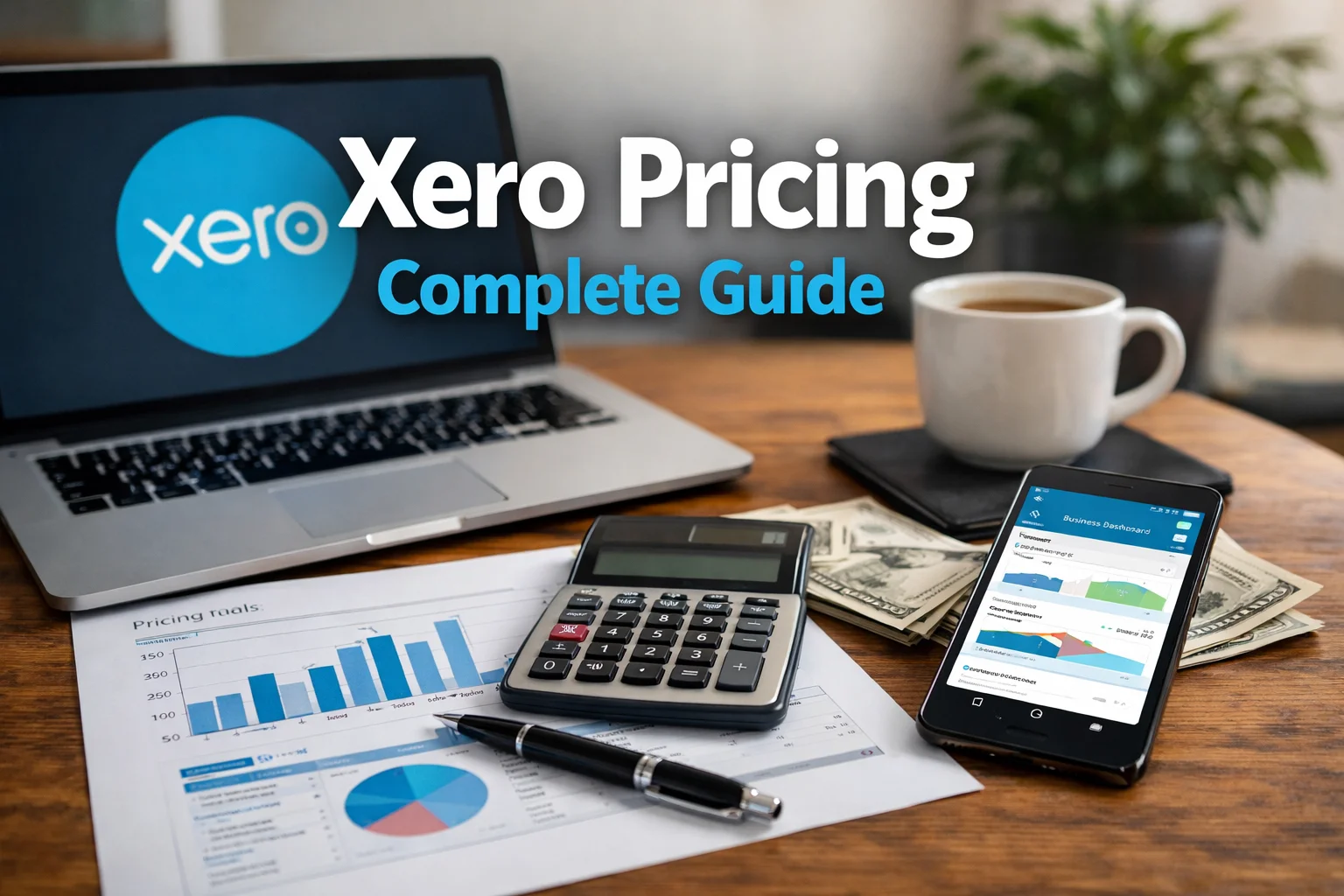
Xero Pricing Complete Guide
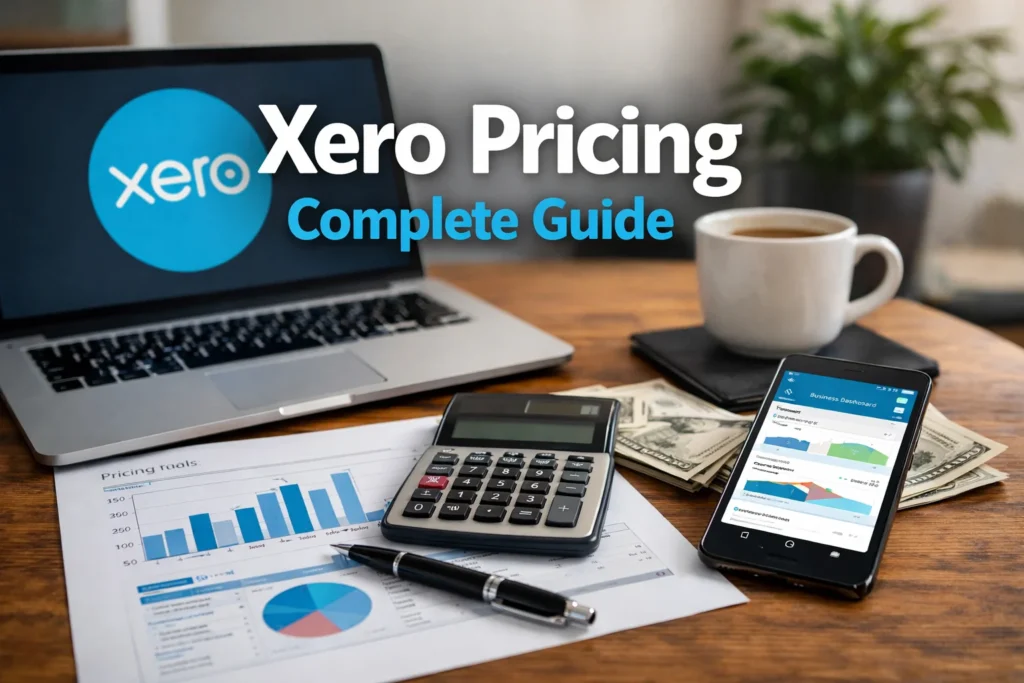
Pricing is a critical factor when choosing an accounting platform for your business. This guide breaks down Xero’s pricing structure, what’s included at each tier, and tips to maximize value without overpaying. Whether you’re a freelancer, a growing startup, or a small business with a team, understanding the cost architecture helps you plan for scale and avoid surprises.
Beginning: Why pricing matters for small businesses
Choosing a price plan isn’t just about the sticker price. It’s about balancing features, user access, and growth potential. A plan that seems affordable today might limit your ability to add users, automate workflows, or generate the reports investors expect tomorrow. Conversely, overpaying for capabilities you don’t use can strain cash flow. The goal is to find a plan that fits your current needs while offering a clear path to expand as your business grows.
What Xero Offers at a Glance
- Cloud-based accounting with real-time collaboration
- Bank feeds, reconciliation, and automated categorization
- Invoicing, quotes, and expense management
- Multi-currency support, reporting, and analytics
- Add-ons for payroll, inventory, project tracking, and more
Understanding which features you’ll actually use helps you map pricing to value. If you rely heavily on automation and multi-user collaboration, investing in higher-tier plans often pays off through time saved and fewer manual processes.
The Pricing Tiers
Note: Exact prices can vary by region and promos, so always check Xero’s official site for the latest figures. The descriptions below reflect common tier structures in many markets.
- Starter / Early plan (note: names vary by region)
- Best for: Individuals or very small teams with basic needs
- Inclusions: Core bookkeeping, invoicing, basic reports, limited users
- Trade-off: Fewer automated features and limited integrations
- Growing / Standard plan
- Best for: Small businesses with growing transaction volume and multiple users
- Inclusions: Full invoicing, expense capture, bank feeds, standard reporting, more users
- Trade-off: Some advanced automation and multi-entity features may require higher plans or add-ons
- Established / higher-tier plan
- Best for: Growing teams, multi-entity operations, and businesses needing advanced reporting
- Inclusions: Advanced payroll options (where available), multi-currency support, extensive reporting, priority support
- Trade-off: Higher monthly cost, but more automation and scalability
- Premium / Advanced add-ons
- Best for: Businesses with specialized needs such as complex payroll, inventory management, or professional services automation
- Inclusions: Access to premium modules and integrations
- Trade-off: Additional per-month or per-user fees
Add-Ons and Hidden Costs to Consider
- Payroll: Depending on your country, payroll integrations may be included or sold as an add-on.
- Payroll tax and filings: Some regions require separate tax payments or filings that add to total cost.
- Inventory management and project tracking: These often require third-party add-ons, which can affect total monthly spend.
- Extra users: Many pricing tiers include a base number of users; adding more users increases price.
- Bank connection and data storage limits: Check for limits on transactions, reports, and attachments.
Section: How to Optimize Xero Pricing for Your Business
- Start with a needs assessment: List must-have features (invoicing, payroll, multi-currency, reporting) and nice-to-haves (timestamps on expenses, project tracking).
- Estimate growth trajectory: Project your monthly transactions, number of users, and anticipated add-ons for the next 12–24 months.
- Pilot with the right tier: If you’re between plans, run a one- or two-month pilot at the lower tier while validating your usage patterns.
- Leverage add-ons strategically: Some tasks can be managed more cost-effectively with external tools; consolidate where possible to minimize add-on costs.
- Monitor usage and renewals: Quarterly reviews of user seats and feature usage help avoid paying for unused capabilities.
Tips for Getting More Value
- Automate data capture: Bank feeds, recurring invoices, and receipt capture save time and reduce manual work, increasing the value of your plan.
- Streamline chart of accounts: A clean, well-organized chart of accounts makes reporting more efficient and can reduce the need for higher-tier reporting features.
- Use built-in reporting wisely: Leverage standard reports before investing in custom reports or higher-tier analytics.
- Coordinate with your accountant: An onboarding session with your accountant can help tailor the plan to your reporting needs and future scalability.
Conclusion: Choose smart, scalable pricing
Xero’s pricing is designed to scale with your business. Start with a plan that covers your needs & best suitable for you.It’s time to convert yoour knowledge into action by making choice.